ลองแบบนี้ดู!
เพิ่มข้อความกำกับเองลงบนแผ่น purge เพื่อให้ติดป้ายและเก็บบันทึกได้ง่ายขึ้น ใส่วันที่ ชื่อเครื่องพิมพ์ หรือหมายเหตุสั้น ๆ เพื่อจัดระเบียบบันทึกการบำรุงรักษาและทำให้ระบุแผ่นทดสอบเก่าได้ง่ายกว่าเดิม.
ไม่จำเป็นต้องเขียนกำกับทีละแผ่นด้วยมือ เพียงสร้างแผ่นที่มีป้ายกำกับไว้ล่วงหน้า พร้อมหมายเหตุอย่างเช่น “เครื่องพิมพ์ล็อบบี้ – 15 ม.ค.”, “เครื่องพิมพ์หน้าต้อนรับก่อน cleaning”, “เครื่องพิมพ์ชั้นบน” หรือ “เครื่องพิมพ์ของ Jennifer”.
เลือกแผ่น purge ตามสีหมึกที่มีปัญหา
ยังไม่แน่ใจว่าควรพิมพ์แผ่นไหนก่อน? เริ่มจากหน้า การพิมพ์ purge แบบมีขั้นตอน แล้วค่อยกลับมาเลือกแผ่นสีที่ตรงกับปัญหา.
อ่านคำเรียกตามที่เครื่องพิมพ์ใช้จริง
- Epson: Nozzle Check → Print Head Cleaning → Power Cleaning
- Canon: Nozzle Check → Cleaning → Deep Cleaning → Ink Flush / Replace Ink in Print Head
- Brother: Print Quality Check → Print Head Cleaning → Special / Strong Cleaning
- HP: Print Quality Diagnostic Page → Clean Printheads → Align Printheads
หยุดและประเมินใหม่ หากเครื่องพิมพ์ขอให้รอนาน รายงานข้อผิดพลาดเกี่ยวกับหัวพิมพ์ / การบำรุงรักษา หรือรูปแบบหัวฉีดไม่เปลี่ยนเลยหลังจากขั้น cleaning แบบหนัก.
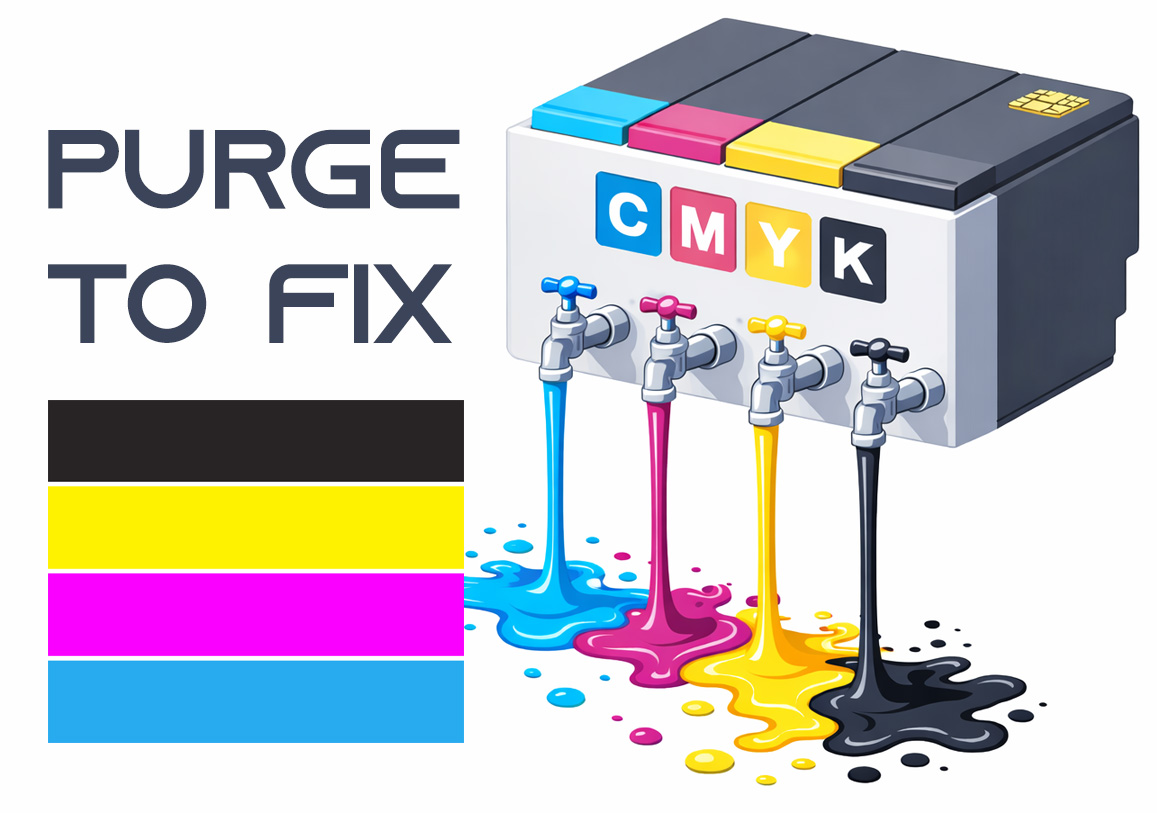
Purge to Fix
Printing a purge sheet can restore print quality and eliminate the need for a professional service visit. This DIY maintenance routine is highly effective for clearing clogged nozzles and dried ink buildup that causes horizontal banding or missing colors. While not a 100% fix for mechanical failure, it is the best first step for ink flow issues.